
Guides · Garden planning · Published November 18, 2026 · By Faizan Ahmad
How to Measure Your Yard's Square Footage
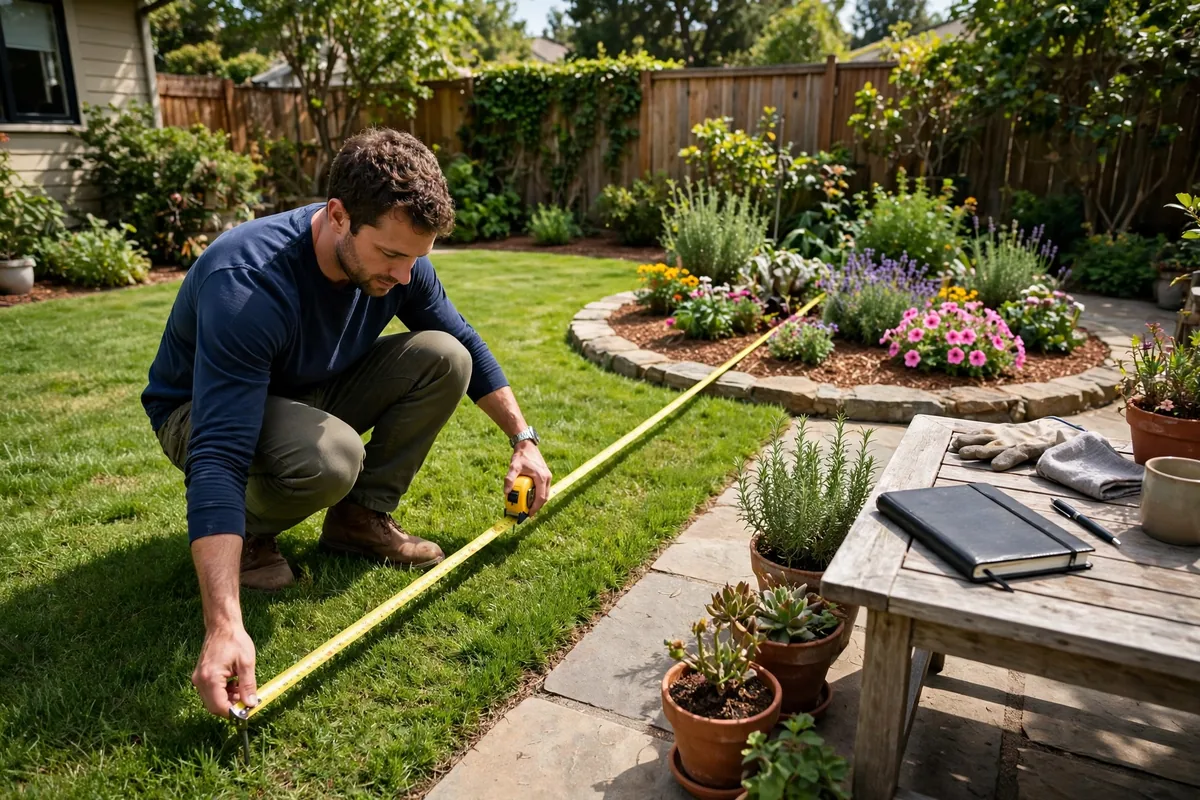
Every garden job that costs money starts with the same number: how many square feet are you actually covering? Sod, seed, mulch, fertilizer and soil are all sold against area, and a guessed area is how a job ends up one roll short or three bags heavy. The good news is that no yard is a hard shape once you stop trying to measure it all at once. Split it into rectangles, circles and triangles, run each piece through our Square Footage Calculator, and add the pieces up — that is the whole skill. This guide teaches it properly: how to sketch and split a yard, the three formulas underneath the calculator, how to handle circles and curved edges, how to pace honestly when there is no tape in the house, and a whole L-shaped backyard worked from the first measurement to the finished lawn number. Learn this once and every other calculator on the site gets faster and more accurate.
The short answer, on one card
- Split and add: break the yard into rectangles, circles and triangles, work out each area, then add them — and subtract anything that is not lawn or bed
- Rectangle: length × width · Circle: π × (diameter ÷ 2)² · Triangle: base × height ÷ 2
- The calculator keeps a running total — enter each shape, tap "Add this area to my total", and the whole yard builds itself
- No tape? Pace it — but calibrate your pace over a taped 10 ft first. An average pace is about 2.5 ft; yours is the one that counts
- Metric: square metres = sq ft × 0.0929, and sq ft = m² × 10.764. One square yard = 9 sq ft
Step 1 — Sketch the yard and split it into shapes
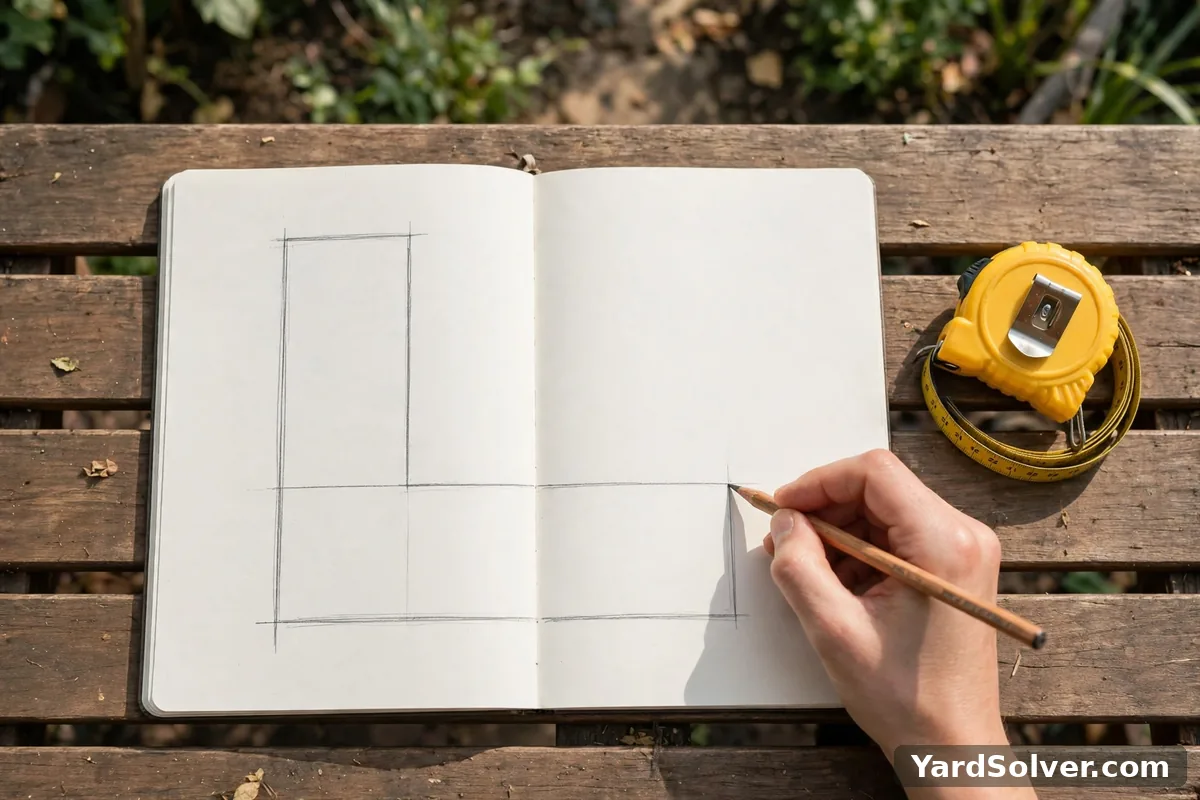
Start with paper, not the tape. Walk the yard once, then sketch its outline roughly — it does not need to be to scale, it needs to be honest about the shape. Now draw the split lines. Almost every real yard resolves into a short list: one or two big rectangles for the main lawn, a circle for a round bed or a trampoline-worn patch, a triangle where a corner is cut off by a diagonal path or a fence angle, and rectangles again for the things you will subtract — the patio, the driveway edge, the shed footprint, a wide path. An L-shape is simply two rectangles with a line drawn where the shape turns. A shape with one curved edge can wait for Step 4. Label each piece with a letter and write the two measurements it will need beside it: length and width for a rectangle, the diameter for a circle, base and height for a triangle. This sketch is now your measuring list — you will never stand in the middle of the yard wondering what to measure next, and when the numbers come back you can see exactly which piece each one belongs to. Measure each piece at its widest honest points, and measure the things you will subtract with the same care as the things you will keep: a patio measured loosely is seed money wasted.
Step 2 — Run the calculator shape by shape
Open the Square Footage Calculator — rectangles, circles, triangles and a running total and work down your sketch, one shape at a time. Pick the shape, type in its measurements, and read its area. Then use the calculator's running total — the "Add this area to my total" step — before moving to the next shape, so the yard total builds as you go and no piece gets lost or counted twice. Rectangles want a length and a width. Circles want the diameter, the straight-line distance across the middle — measure through the centre, not along a chord off to one side, or the answer comes out small. Triangles want a base and the height measured squarely from that base to the opposite corner. The calculator also measures any flat area, walls included, so the same routine sizes a fence run for paint or a wall for cladding. It answers in square feet and square metres together — square metres are square feet × 0.0929 — so there is no separate conversion step if your supplier works in metric. When the running total covers every letter on your sketch, subtract the pieces that are not lawn or bed: patios, paths, driveways and sheds. What remains is the number every other job will use.
Step 3 — The three formulas the calculator is running
There is no hidden model here either — the calculator runs the three schoolroom area formulas, and knowing them lets you sanity-check any answer on the spot. A rectangle is length × width: 12 ft × 10 ft = 120 sq ft. A circle is π × (diameter ÷ 2)²: halve the diameter to get the radius, square it, then multiply by π (about 3.1416) — a bed 8 ft across gives π × 4² ≈ 50.3 sq ft. A triangle is base × height ÷ 2, exactly half of the rectangle drawn around it: 10 ft × 6 ft ÷ 2 = 30 sq ft. An L-shape has no formula of its own — it is two rectangles added, which is why Step 1's split matters more than any cleverness later. The table below is the cheat sheet version; screenshot it before a measuring session.
| Shape | Measure | Formula | Example |
|---|---|---|---|
| Rectangle | length, width | L × W | 12 × 10 = 120 sq ft |
| Circle | diameter | π × (d ÷ 2)² | 8 ft across ≈ 50.3 sq ft |
| Triangle | base, height | b × h ÷ 2 | 10 × 6 ÷ 2 = 30 sq ft |
| L-shape | two rectangles | add the two areas | 540 + 120 = 660 sq ft |
Two habits keep the maths honest. First, keep every measurement in the same unit before you multiply — feet and inches need converting to feet (6 inches is 0.5 ft), or use the calculator's unit fields and let it convert for you. Second, round at the end, not at each shape: rounding every piece up as you go quietly inflates a five-shape yard, while one honest round on the final total does not.
Step 4 — Circles, triangles and measuring with no tape
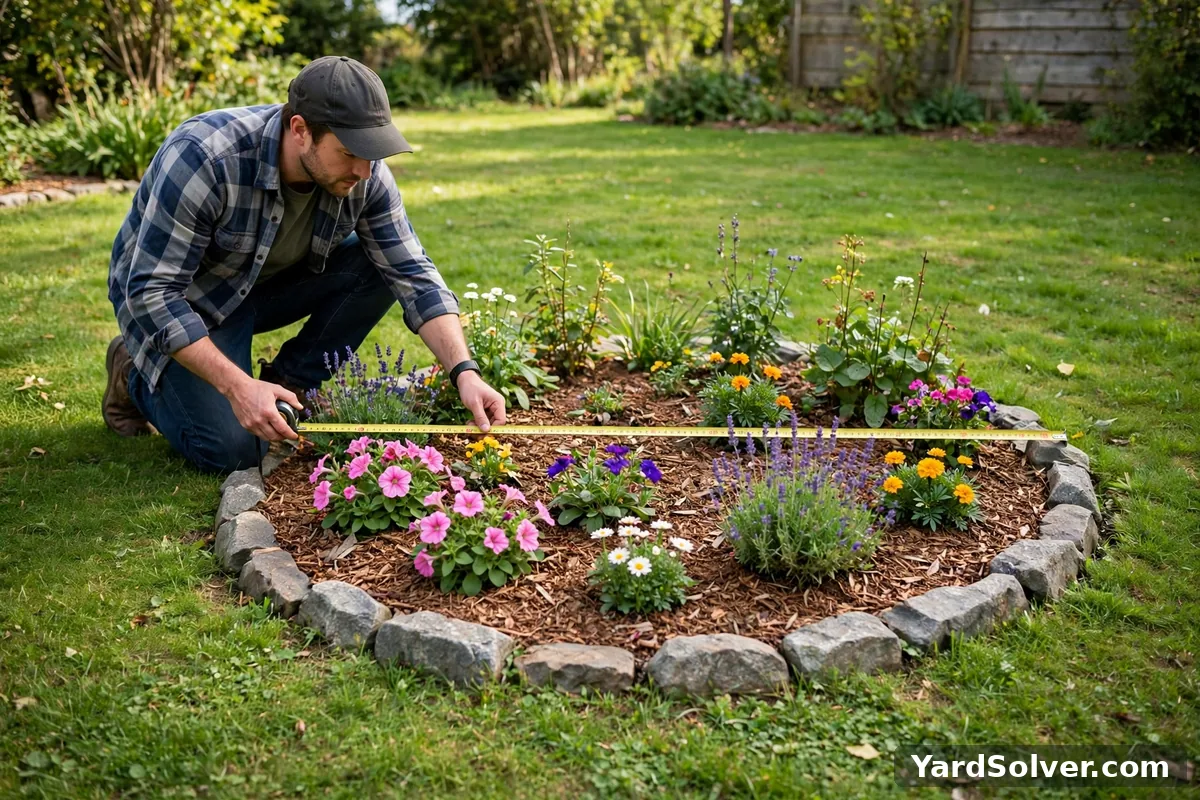
Circles reward one careful moment: lay the tape across the widest point and check it really passes through the centre — slide it slowly and take the longest reading you can find, because that longest reading is the true diameter and every shorter one is a chord that understates the area. Triangles ask the same discipline: the height is the distance from the base straight up to the opposite corner at a right angle, not the length of either sloping side. Now the no-tape case, which comes up more than anyone admits. Pacing works, but only calibrated pacing. An average adult pace is about 2.5 ft, yet individual strides vary enough that an uncalibrated pace count can be off by 10 percent or more — on a 500 sq ft lawn that is a whole bag of seed. So calibrate once: lay out a taped 10 ft — a borrowed tape, a measured board, even a known patio slab count — walk it at your normal stride, and divide 10 by your paces. If 10 ft takes you 4 paces, your pace is 2.5 ft; if it takes 3.5, yours is about 2.86 ft, and that difference is exactly the error you just removed. Then pace each side, multiply paces by your pace length, and feed the calculator as usual. For a curved edge, use the offset method in brief: run a straight baseline along the curve, take offset measurements out to the edge every few feet, average those offsets to get an average width, and multiply average width × baseline length — a good honest area for a wavy bed.
Step 5 — A whole yard, worked start to finish
Here is one complete backyard, done exactly the way the calculator does it. The yard is L-shaped. The main section measures 30 ft × 18 ft = 540 sq ft. The side extension that makes the L measures 12 ft × 10 ft = 120 sq ft. Added shape by shape in the running total, the gross yard is 540 + 120 = 660 sq ft. But not all of that is lawn: the patio sits inside the outline at 10 ft × 12 ft = 120 sq ft, and it will never be seeded, sodded or fed, so it comes off — 660 − 120 = 540 sq ft of actual lawn. Notice the size of that correction: skipping the subtraction would have over-ordered every lawn product by more than a fifth. The yard also holds one round bed, 8 ft across: π × 4² ≈ 50.3 sq ft, measured as its own shape and kept separate, because that area belongs to a different job — mulch, not grass. The finished paperwork for this yard is therefore two numbers, not one: 540 sq ft of lawn and 50.3 sq ft of bed. Step 6 shows why keeping them separate is the whole point.
Step 6 — Hand the number to the next job
A square footage figure earns its keep when it walks straight into the next calculator without being re-measured. Take this yard's numbers. The 540 sq ft of lawn, handed to the sod calculator with the standard 5 percent cutting allowance, becomes 567 sq ft to order — 57 rolls of the usual size — instead of a guess made in a garden-centre aisle. The same 540 sq ft drives the seed order through the Grass Seed Calculator, where the rate per thousand square feet does the rest. The 50.3 sq ft round bed, handed to the Mulch Calculator at 3 inches deep, needs 12.6 cubic feet — 7 bags of 2 cubic feet — a number you can now check against any store's suggestion. Area planning works the same way inside the vegetable garden: a 10 ft × 10 ft block of sweet corn is 100 sq ft planned by area, because block planting is planned by area rather than by the row — the corn page explains why blocks pollinate better than single rows. And once the areas are settled, put the jobs themselves into the Garden Planner, so the sodding weekend, the seeding window and the mulching morning land in the right order across the season.
What the calculator can't do
Honesty about the edges, so the number earns your trust. The calculator assumes flat, honestly measured shapes: a steeply sloped lawn has more surface than its map outline, so measure along the slope rather than across the plan if the bank is steep. It cannot choose your split lines for you — a yard divided badly, with overlaps or gaps between the shapes, gives a tidy total that is quietly wrong, which is why the Step 1 sketch matters. It cannot calibrate your pace; that 10 ft walk in Step 4 is yours, and it is the difference between a paced measurement you can order against and a guess wearing a number's clothes. Curved edges stay approximate even with offsets — close enough for mulch and seed, not for a paver order cut to the inch. And it reports area only: depths, rates, allowances and waste factors belong to the sod, seed and mulch calculators that take this number next. What it does guarantee is the arithmetic above, checked by hand: split honestly, measure each shape once, subtract what is not covered, and the total follows.
Measure once, on paper, and the number serves every job in the yard — that is the habit this guide is really teaching. Keep the sketch with your garden notes, note the date and the two or three totals that matter, and next season's orders start from facts instead of fresh guesswork. When the yard itself changes — a new patio, a bed dug or grassed over — redraw the sketch and re-run the pieces that changed; the running total makes a five-minute update out of what used to be a whole re-measure.
Keep going
Run your own yard through the Square Footage Calculator, then hand the lawn total to the Grass Seed Calculator and the bed total to the Mulch Calculator — no re-measuring, the number carries over.
Planning the whole season around those areas? The Garden Planner lays out planting, feeding and bed work in one calendar.
Questions people ask
How do I measure an L-shaped yard?
Split it into two rectangles, measure each one, and add the two areas together. An L is just a big rectangle with a corner missing, so draw the split where the shape turns: for example a main section of 30 ft by 18 ft is 540 sq ft and a side extension of 12 ft by 10 ft is 120 sq ft, giving 660 sq ft in total. The Square Footage Calculator keeps a running total, so you can enter each rectangle in turn and let it do the adding.
How accurate is pacing a yard?
A calibrated pace lands within a few percent, which is plenty for sod, seed and mulch orders. An uncalibrated pace can be off by 10 percent or more, because stride length varies a lot between people. Calibrate once: lay a tape at 10 ft, walk it at your normal stride, and divide 10 by your number of paces to get your own pace length. An average pace is about 2.5 ft, but your measured pace is the one to trust.
Should I subtract patios and beds from my lawn's square footage?
Yes, for anything you will not seed, sod or feed. Measure the patio, path or driveway as its own shape, work out its area, and subtract it from the gross yard total. In the worked example in this guide, subtracting a 10 ft by 12 ft patio turned a 660 sq ft yard into 540 sq ft of actual lawn — a fifth less seed and sod to buy. Beds you are mulching get measured separately and handed to the mulch calculator instead.
How many square feet is a round lawn 12 ft across?
About 113 sq ft. A circle's area is pi times the radius squared, and the radius is half the diameter, so for 12 ft across that is pi times 6 squared — pi times 36 — which is about 113.1 sq ft. Measure straight across the centre to get the diameter; a tape that misses the centre reads short and shrinks the answer.
Square feet or square yards — which does sod use?
Both appear, depending on the supplier. One square yard is 9 square feet, so divide square feet by 9 to get square yards: 540 sq ft is 60 sq yd. The Square Footage Calculator answers in square feet and square metres, so do that one division if a supplier quotes or sells by the yard, and check which unit a price is attached to before comparing two quotes.
Every yard calculation starts with area — break the shape into rectangles and triangles
Seed, sod, mulch, fertilizer and paint quantities all begin with the same number — the area — and the reliable way to get it on a real, irregular yard is decomposition: sketch the space, divide it into rectangles, triangles and circles you can measure with a tape or a pacing count, calculate each, and add them. One long diagonal measurement of a wobbly shape produces a confident wrong answer; five simple shapes produce a right one.
Subtract what will not be treated — the house footprint, paths, beds and the patio — because ordering for the gross area overbuys by exactly those squares, and measure in the units your product labels use, converting once, carefully, on paper. For triangles, base times height divided by two; for circles, pi times the radius squared. Walk the boundary as you sketch: the fence jog, the side strip and the forgotten corner behind the shed are where yard measurements go wrong, and they are all visible from the ground.
Sources
Key facts on this page cross-checked against Area — Wikipedia — background on area and how it is calculated and Square foot — Wikipedia — background on the square foot as a unit of area.
Related page
Read next: How Much Mulch Do I Need? Bags, Yards & How the Calculator Works.
Comments & ratings
No comments yet.
Be the first to share your experience.